
Customer cards
Customer cards are a powerful feature in Plain that allow you to show information from your own systems and configure clickable actions that trigger a Plain workflow, without your team needing to leave the conversation or open a separate menu.
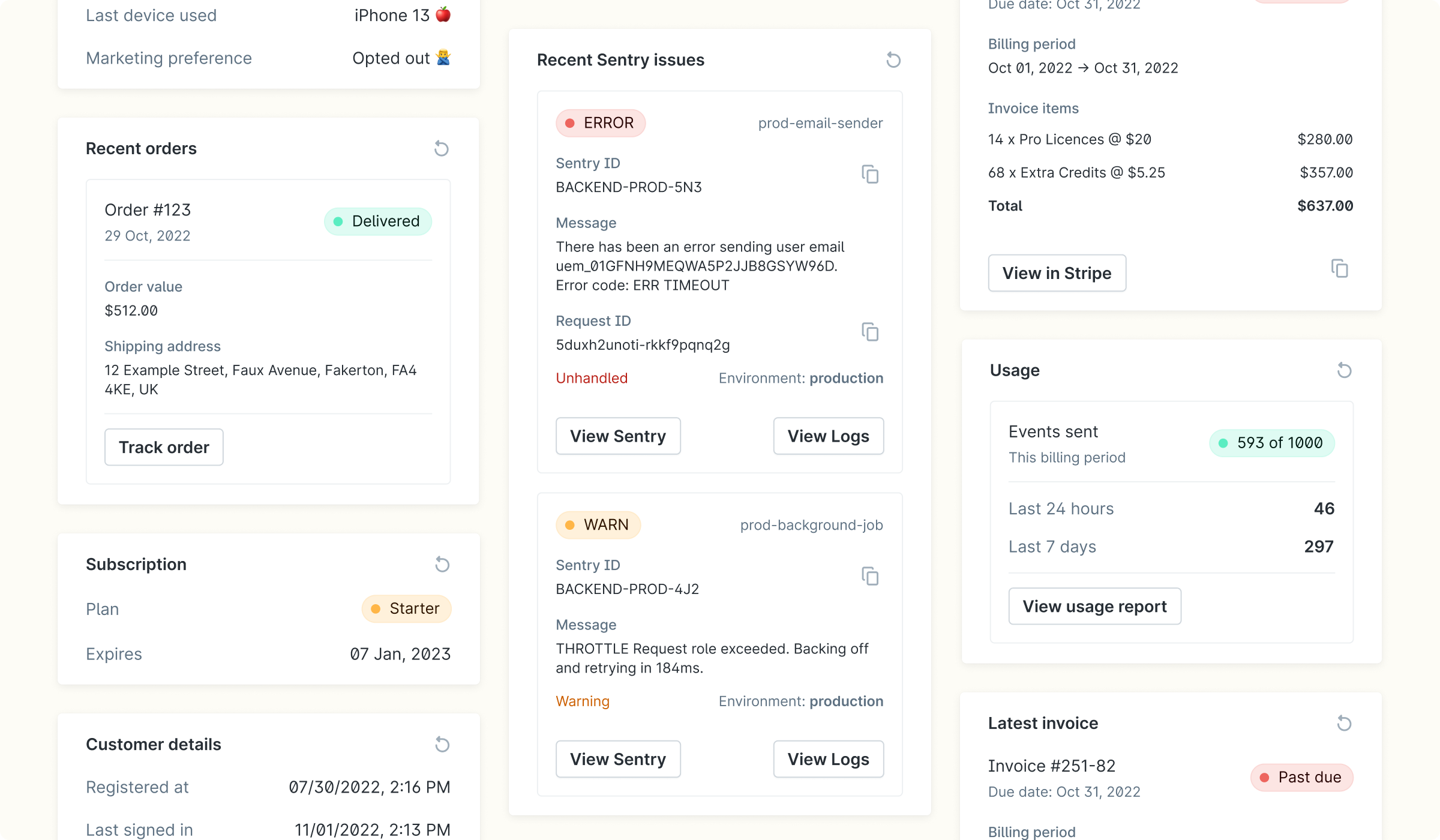
How does data from my system get displayed in Customer Cards?
Customer cards:
Pull from your backend, so you do not have to sync your customer data to Plain.
The data is short-lived, so it is permanently stored in Plain beyond the time frame you set.
Defined using a simple JSON schema, so you don't have to worry about styling them.
Automatically reloaded if a user is viewing a customer and the data expires.
Workflow Triggers from Customer Cards
When a thread is opened and your customer card API is called, you can include a componentWorkflowButton in your card response. Plain renders this as a button inside the card. When a team member clicks it, Plain runs the specified workflow in the context of that thread.
Setting up Workflow Triggers:
This requires your engineering team to update your customer card API. Here's the two-step process:
Step 1: Create the workflow in Plain.
Go to Settings → Workflows and create the workflow you want the button to trigger. Your developer will need the workflow ID, which is visible in the workflow settings.
Step 2: Add the button to your customer card API
Your developer adds a componentWorkflowButton to your card API response, pointing it at the workflow ID. Your API can also include logic to only show the button in certain situations — for example, only when a customer's billing is in an error state.
Use cases:
Billing operations — resync a billing record, apply a credit, or trigger a refund
Account operations — rename a team, allowlist a user, reset a rate limit
Escalation — escalate a thread to the right team with a single click
Debugging — trigger a diagnostics workflow tied to that customer's account
Examples:
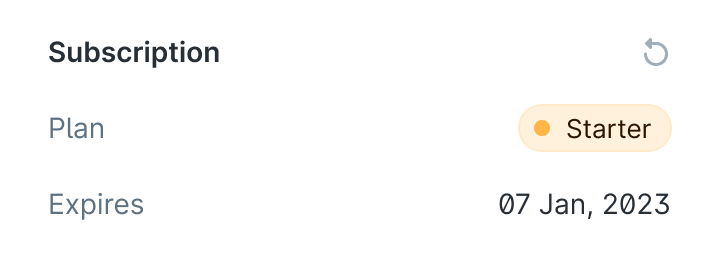
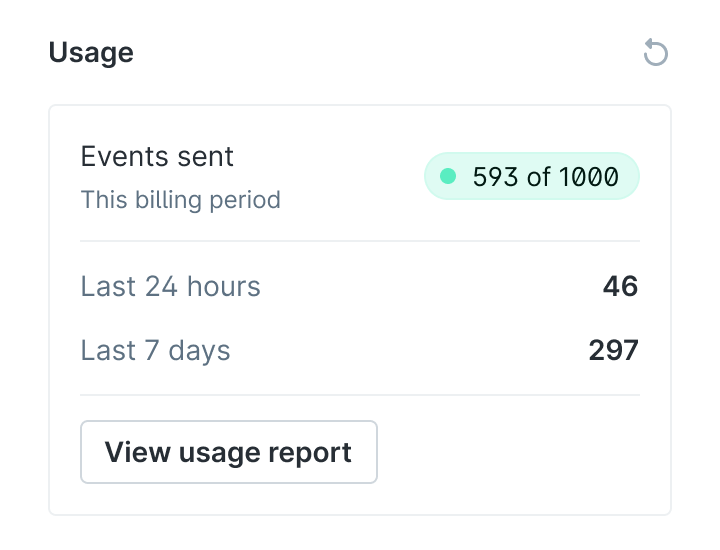
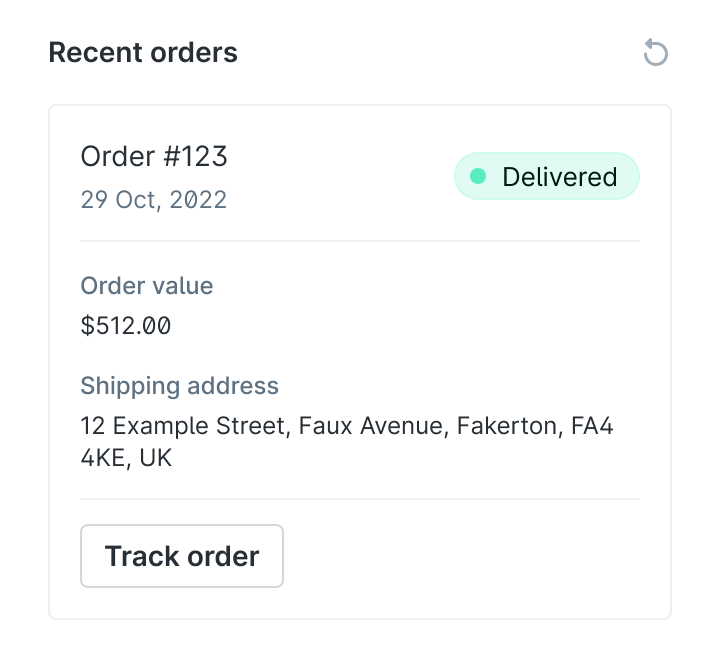
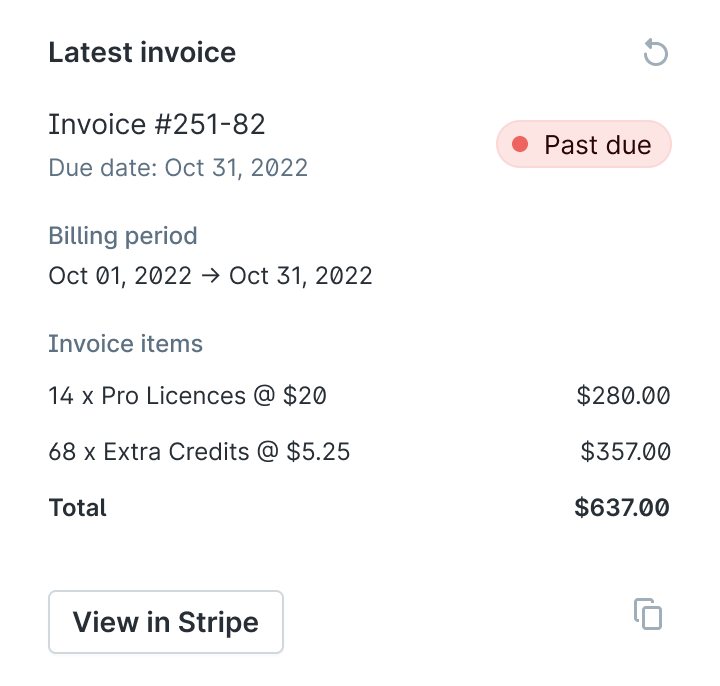
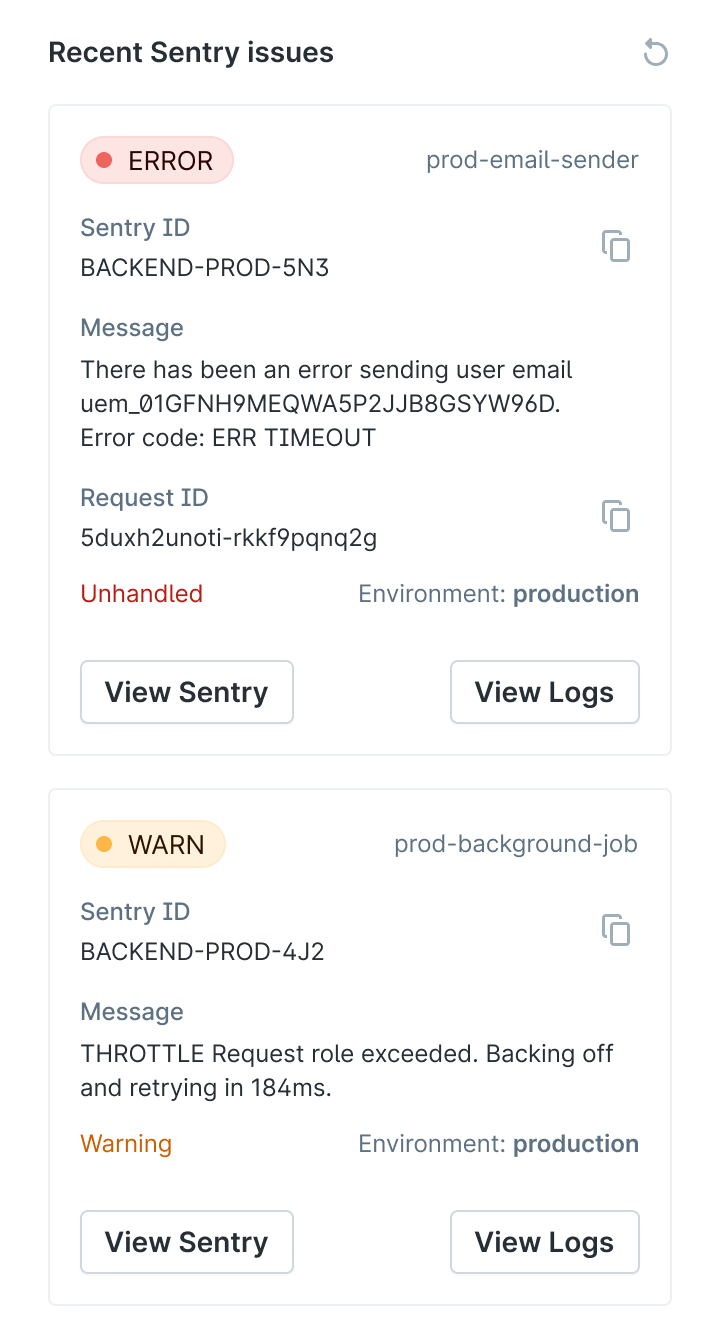
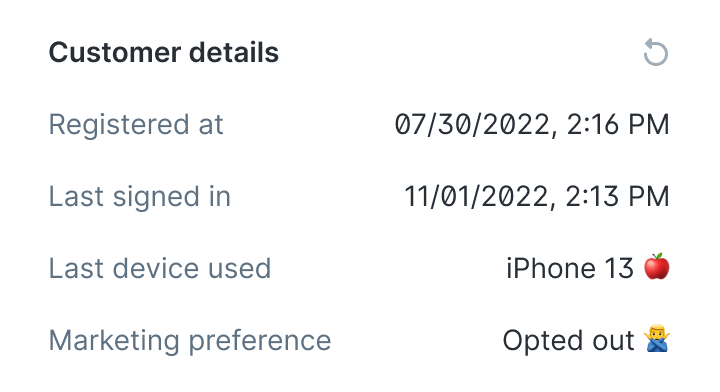
Try the examples
The example cards repo is a working API you can point at your workspace. Each card is available at:
https://example-customer-cards.plain.com/?cardKey=CARD_KEY
Card | Key |
|---|---|
Subscription status |
|
Latest invoice |
|
Usage |
|
Sentry errors |
|
Account details |
|
Last order |
|
Workflow button |
|
To add one: go to Settings -> Customer Cards, click Add card, enter the URL above with the relevant key, and open any thread to see it load.