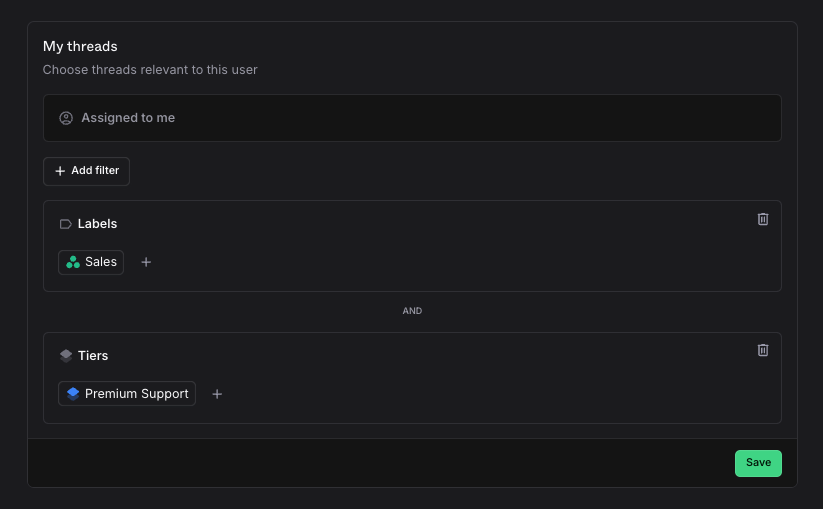
My threads
The My threads view shows all threads assigned to you with a Todo status. You can extend it with additional filters to surface any other threads relevant to you, not just your assigned ones.
Setup
Set up your personal queue
Go to Settings → Members
Click your name
Configure your queue filters
Your queue always includes Assigned to me, so you never miss a thread assigned directly to you. You can add as many additional filters as you need on top of that.
Only you can edit your own queue filters. Administrators and owners can edit everyone's.
Queue filters
A personal queue consists of any number of thread filters. The personal queue will always contain "Assigned to me" so that you don't miss any threads that are assigned to you, regardless of if they match any of the following filters or not. The remaining filters are then joined together to generate your resulting list.
For example, if your customer support team organizes their agents by customers, or tiers of customers, you can set your personal queue to only show "Threads I'm assigned to & threads from Acme LLC" or "Threads I'm assigned to & Premium Support Customers".