
Triggers
Triggers control when a workflow starts. Conditions are decision points inside the workflow that check something about the thread and split the flow into two paths.
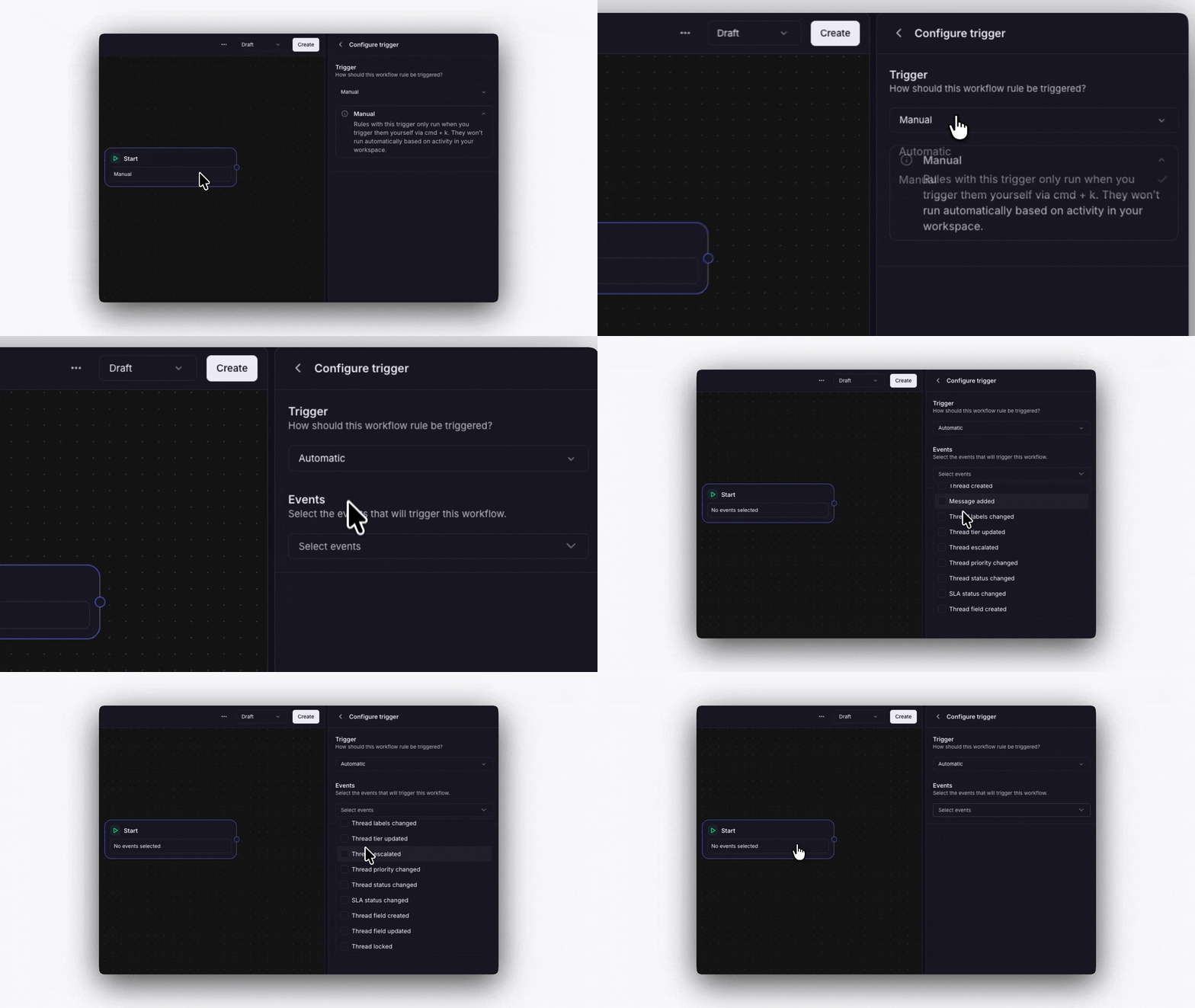
Manual
You run the workflow yourself. Open a thread, click Run workflow, and select which workflow to run. Useful for on-demand processes like escalation procedures.
Automatic
The workflow runs automatically when a thread event happens. You choose which events during setup:
Thread created
Message added
Labels changed
Tier updated
Thread escalated
Priority changed
Status changed
Thread field created
Thread field updated
You can select multiple events for one workflow. For example, trigger on both "Thread created" and "Message added" to catch new threads and follow-up messages.